 WebDAV Manager
Your WebDAV server, on iPhone and iPad.
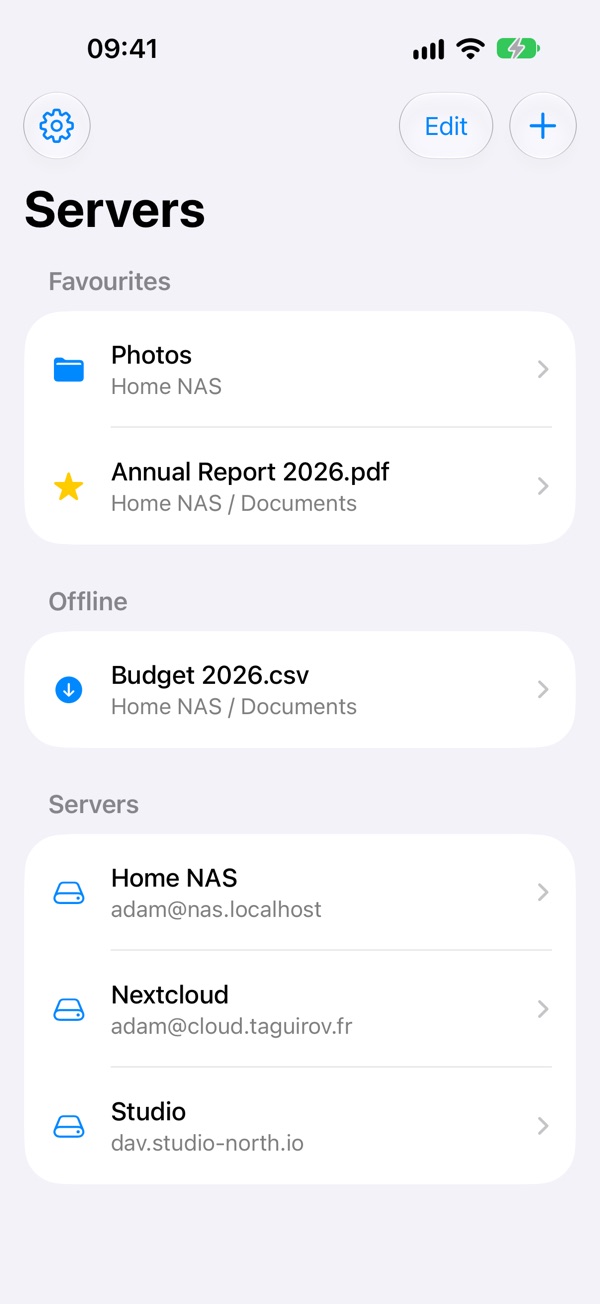
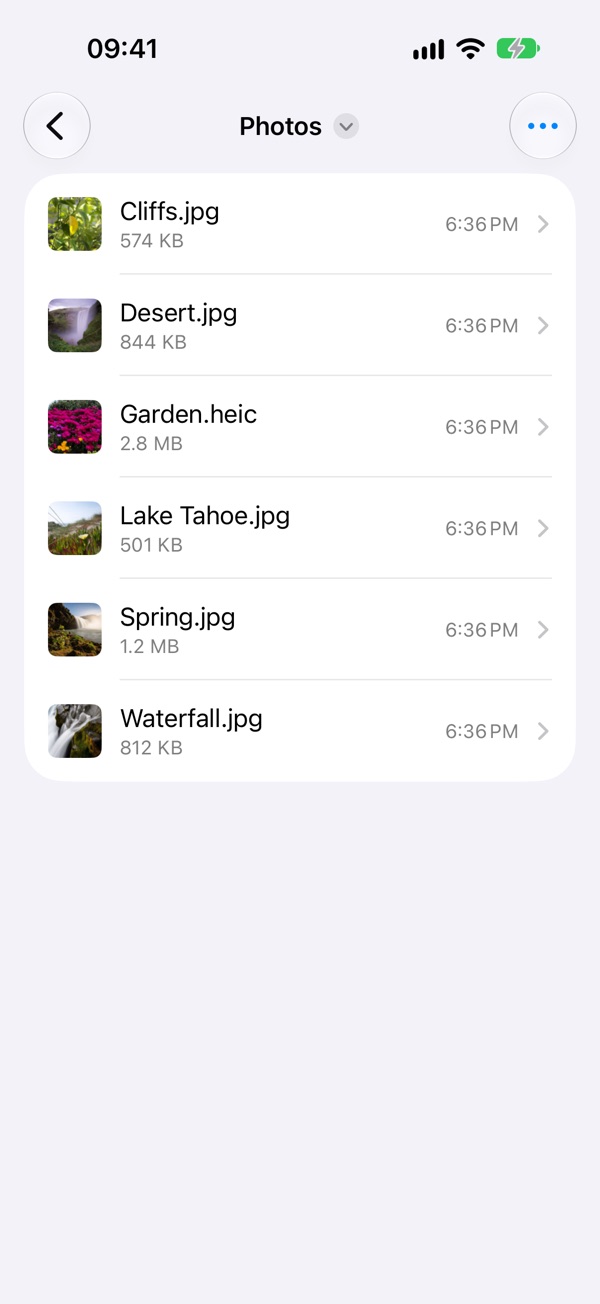
Browse, preview, upload and download the files on your own server. No account needed.

- In US search
- #1
- Average rating
- 4.3/5
- Downloads
- 23,000+
October 2026. First result for “WebDAV” in the US App Store. Rating from 257 ratings worldwide.
Features
-
In the Files appPremium
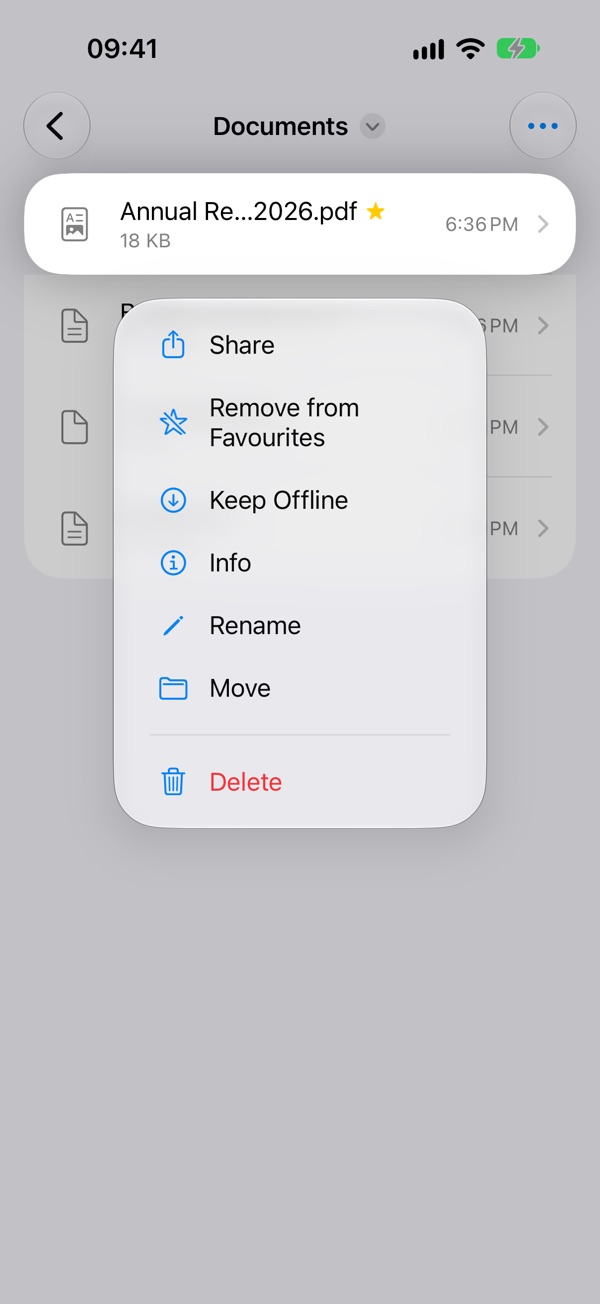
Your servers appear in Files, under Browse, then Locations. Open and save from any app, rename, move and delete.
-
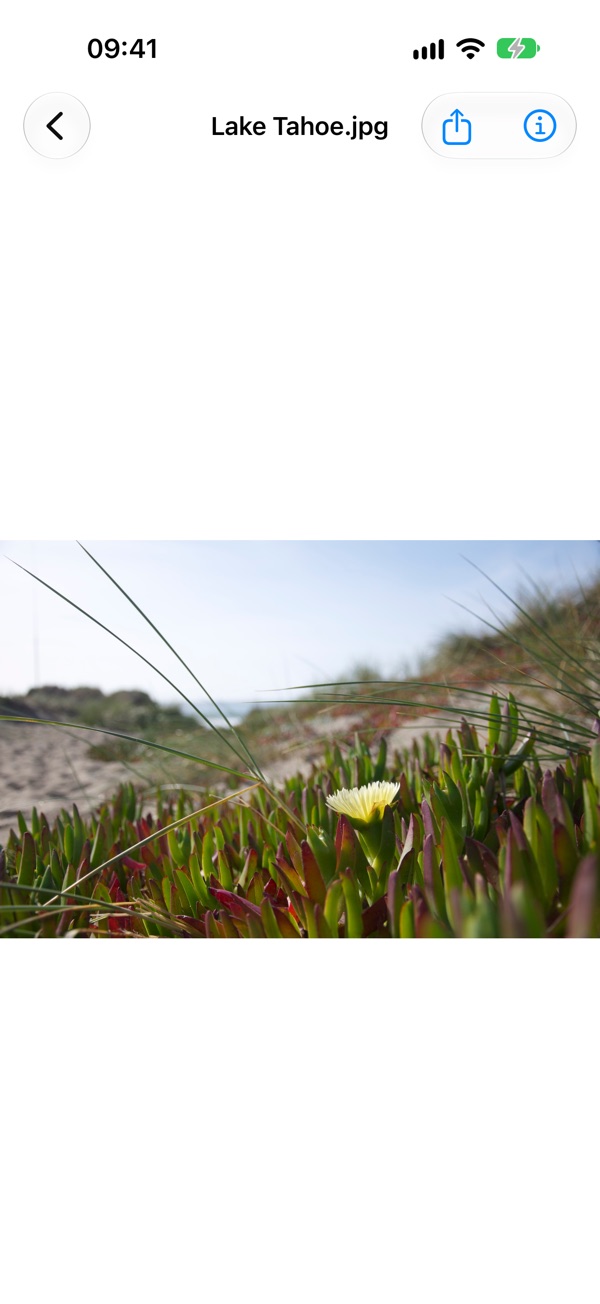
Preview everything
Photos, videos, PDFs, Office documents, text and audio open without leaving the app.
-
All your WebDAV servers
Nextcloud, Synology and other NAS, Apache, IIS, rclone and dufs, over HTTPS or HTTP.
-
Organize
Create folders, rename, move and delete. Select several files at once, search and sort.
-
Upload
Send files, and photos from your photo library.
-
Favorites
Pin the folders and files you use most, on every server.
-
Offline filesPremium
Keep files on the device. They update automatically when they change on the server.
-
Face ID and Touch ID
Lock the app so only you can open it.
-
Text editorPremium
Edit txt, Markdown, JSON and configuration files, and save them to the server.
-
Themes and iconsPremium
Choose an accent color and the app icon.
-
Private
The app collects nothing. Passwords stay in the iOS Keychain.
-
15 languages
The app and this site are available in English, French, Spanish, German, Chinese, Japanese, Arabic, Hindi and more.
Version 3.0
Available now
A complete rebuild, with a new native design. Your servers in the Files app, favorites and offline files, a Face ID lock, a text editor, and a new WebDAV engine tested against Nextcloud, Apache, IIS, rclone and dufs.
Premium
With version 3.0
$4.99, one-time purchase for life.€4.99
- No ads. The banner is gone from the whole app.
- In the Files app. Your servers under Browse, then Locations. Open and save from any app.
- Text editor. Edit text, Markdown, JSON and configuration files on the server.
- Themes and icons. An accent color and an app icon of your choice.
- Offline files. Files kept on the device, updated when they change on the server.
- All your devices. Buy once, restore on every device with the same Apple Account.
Questions
Does it work with Nextcloud?
Yes. Add the WebDAV address shown in the Nextcloud Files settings, for example https://cloud.example.com/remote.php/dav/files/yourname/. Version 3.0 is tested against Nextcloud, Apache, IIS, rclone, dufs and hacdias/webdav.
Does it work with a Synology or another NAS?
Yes, if the NAS runs a WebDAV server. On a Synology, install the WebDAV Server package and connect to its HTTPS port, 5006 by default.
Is it free?
Yes. From version 3.0, a small banner ad, not personalised, pays for the app. An optional Premium purchase removes it.
What does Premium include?
No ads, WebDAV Manager in the Files app, offline files, the text editor, and themes and app icons. Premium comes with version 3.0 and costs $4.99€4.99, or the local price shown in the App Store.
Is it a subscription?
No. Premium is a one-time purchase, yours for life. You can restore it on all your devices signed in with the same Apple Account.
Where are my passwords stored?
In the iOS Keychain, on your device. They are only sent to the server you added. Version 3.0 moves passwords saved by earlier versions into the Keychain.